Describe the screen. Get it in Figma.
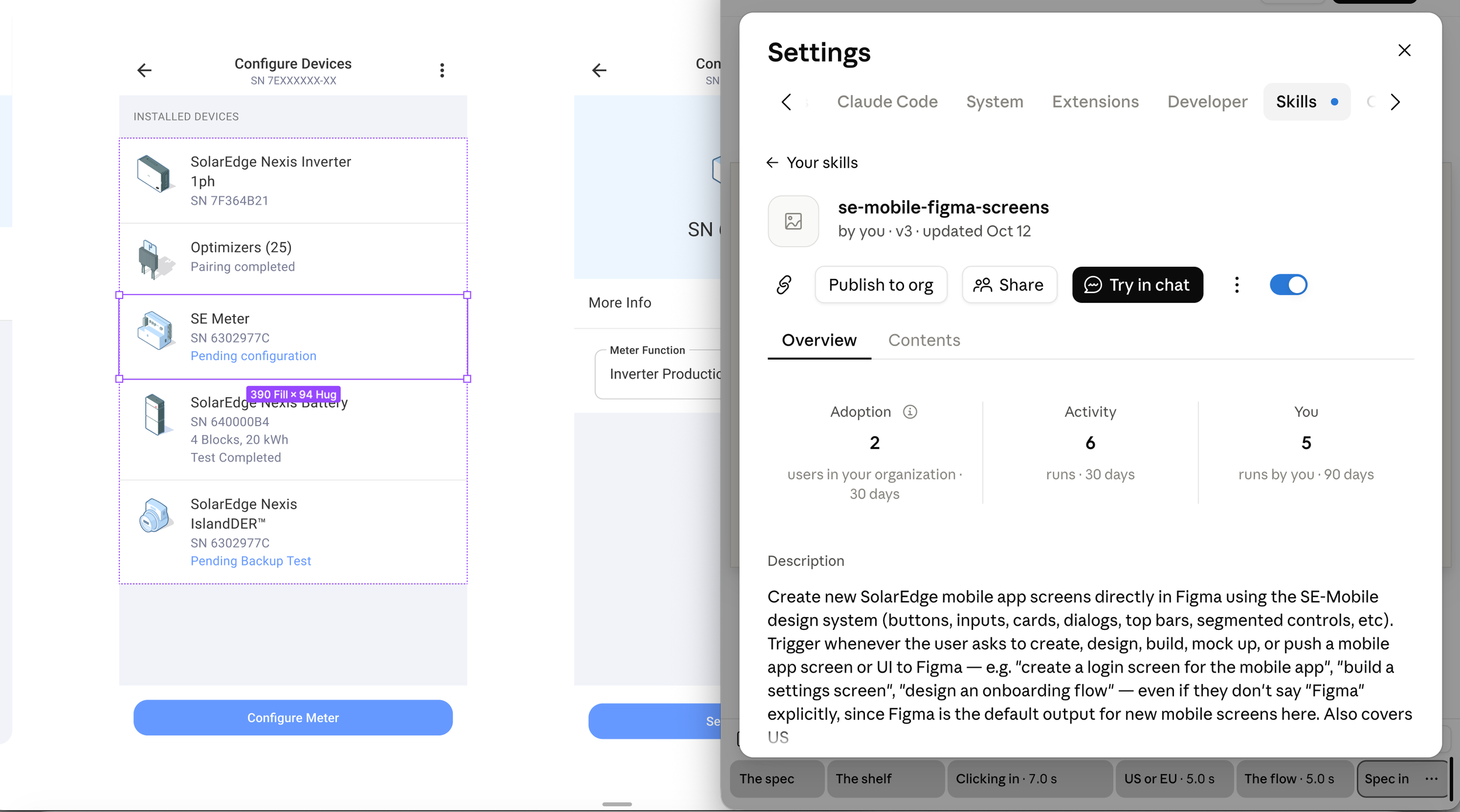
A Claude skill that builds new mobile app screens from the SE Mobile design system, with the right US or EU content already filled in.
Why it exists
New screens used to be assembled by hand. Shapes got redrawn instead of reused, colors drifted from the tokens, and a flow built for one region picked up the other region's values.
The skill builds every screen from the real library components and tokens. It also knows which content belongs to which region and system type, so those mistakes are removed at the source.
-
Plain text: the screen, the region, the fields and the button.
-
Components, color and spacing tokens, and illustrations are found in the three attached libraries.
-
Top bar, inputs, lists and buttons are placed as library instances, with no hardcoded shapes or colors.
-
Finished screens are laid out left to right in a Figma section named for the flow and version.